
Introduction
Snapchat has been the craze of Millennials in recent years. It is popular among the younger generation due to its unique features, such as streaks, which means sending snaps to each other. It is also termed a Photo-Sharing App, and just like other social media apps, it gets various updates from time to time. However, some updates confuse the users.
A recent example of this update is “Sent you a snap Vs Sent a snap.” This update was introduced in 2023 and created chaos among the users of this app, as it sent a notification to users saying “Sent You A Snap” instead of “Sent A Snap.” Are you wondering about this too? Well! Worry no more, as this blog will unravel the meaning and difference between these two terms. Actually, there is no difference; it’s just a change of words by adding you to the previous phrase.

It is pertinent to mention that updates are introduced in the app to make its usage better and seamless for the users. However, it seems like these updates can be troublesome for some users by adding the word “You” in the previous “Sent A Message.”
The New Snapchat Update 2023
There are speculations that the new update won’t just change the “Sent A Snap” feature, but also the users are noticing that the Snapchat games feature is missing, which is vexatious for the users. It is anticipated that the updates are meant to improve the overall user experience. But it seems like this specific name–change update hasn’t been appreciated.
Snapchat Update Sent You a Snap vs Sent a Snap Meaning
The new update has surely caused users trouble as they are confused what is the difference between “sent you a snap” and “sent a snap“. Basically, users will receive the text with the added ‘you’ when getting a Snap from one of their friends.
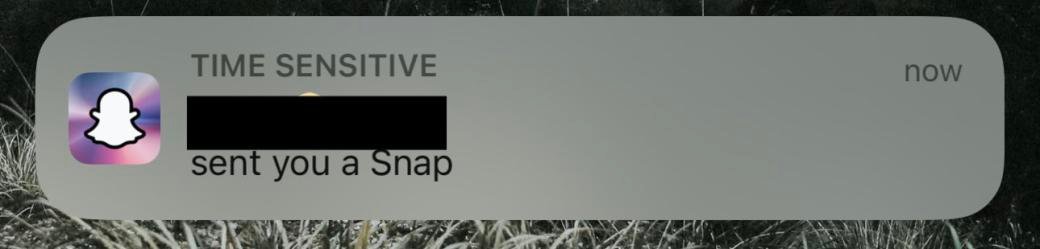
It will happen if the friend hasn’t added it to their story or sent it to a group chat. The process of sending and receiving messages on Snapchat is the same as before; the notification will just pop up slightly differently if it’s been sent to a group rather than an individual.
Some users assumed that ‘sent you a snap’ meant someone sent you a message individually, but ‘sent a snap’ implied someone had sent a message to multiple users in one go. However, this is not true. Several users said that they have tested this update, and it appears to be the same but with different wording.
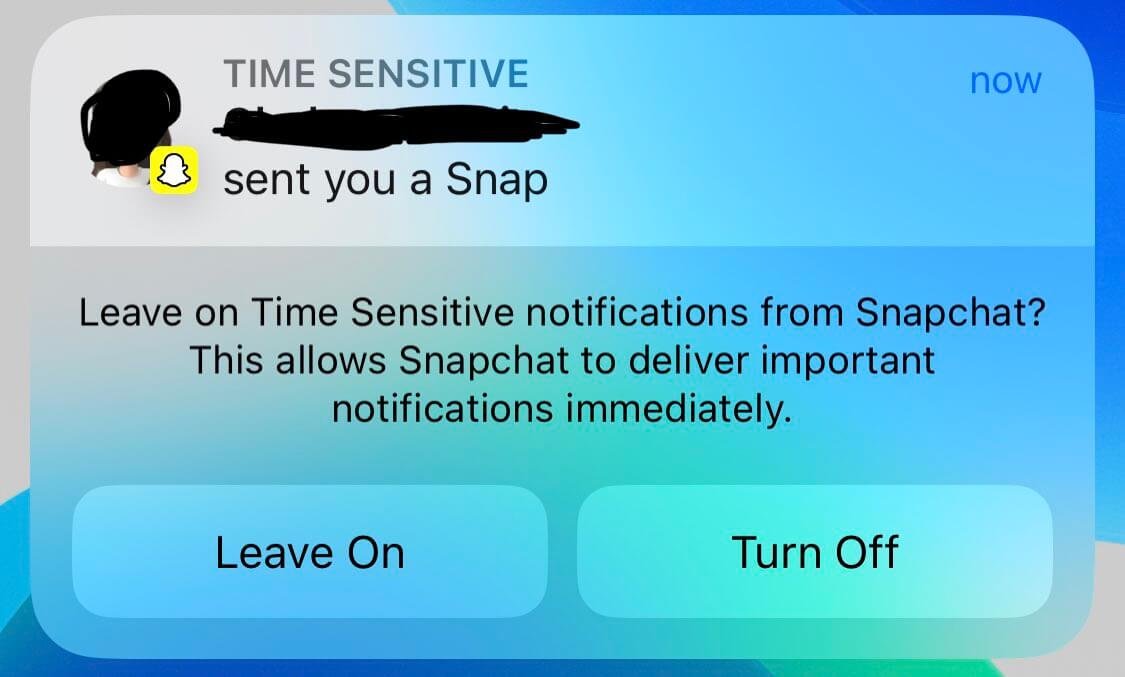 However, this update still appears to be a problem for some. And, some claim that this change is just pointless.
How Do You Know If a Snap Is Sent Only to You?
You seem to be a little stressed and concerned about your privacy. Stress no more, as this blog is going to solve this puzzle by giving you six methods on how to check if the Snap was sent only to you.
Below are the methods to check if the Snap is sent only to you:
- Color pattern of Snap
- Snap score
- Check the story
- Check the sender
- Type of content
- Ask directly
Color Pattern of Snap
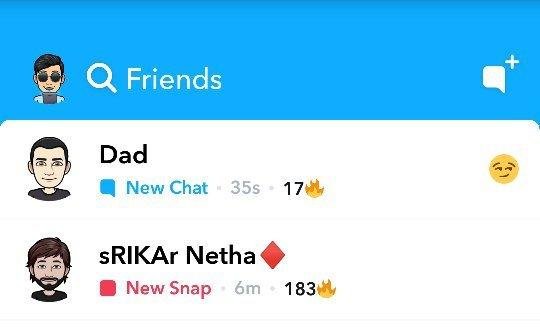
Whenever anyone sends a snap to a number of people, it will most likely show up in your DM’s as a purple box engulfing it. This color pattern shows that it was sent to multiple people at the same time. Evidently, if the Snap was sent specifically to you, it would show a red box around it.
Snap score
We can also find out if the Snap was sent specifically to us or not by checking the Snap score of the sender. In this method, we must constantly supervise the snap score before and after the reception of the Snap. Typically, a single snap causes an increase of 2-3 snap scores, this is the indicator that the Snap was sent only to us.
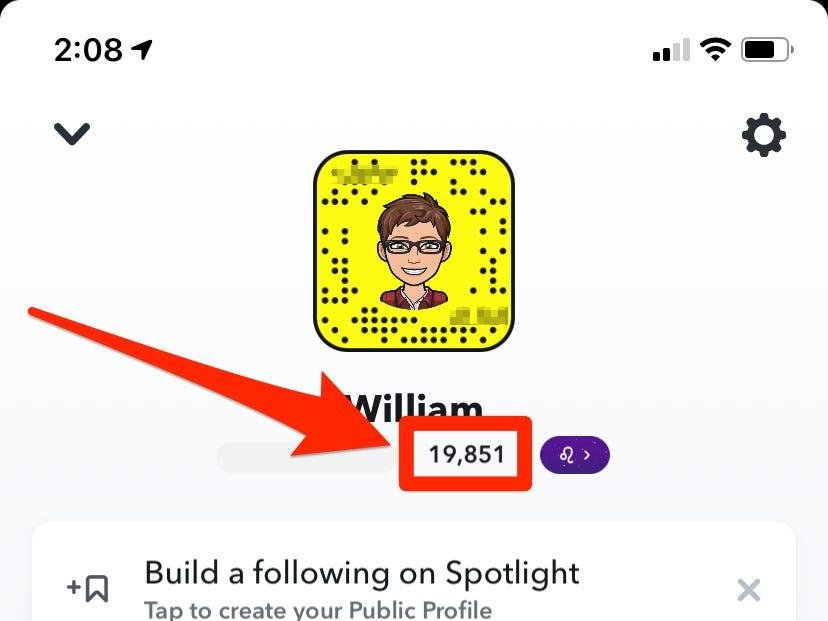
Furthermore, if the snap score has increased by more than the above-specified values, then the recipients of the Snap are many, and by looking at snap score differences before and after the Snap, we can roughly predict how many people received the Snap.
3: Check the Story
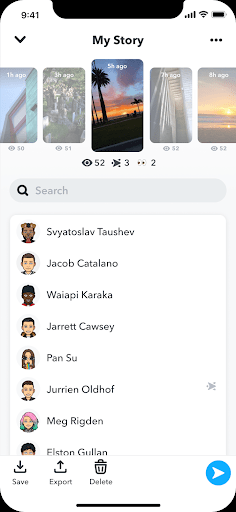
The Snap might have been viewed by more people if it was also the story of the sender. It is a common practice to include the Snap-On stories feature to raise the snap score easily.
Check the Sender
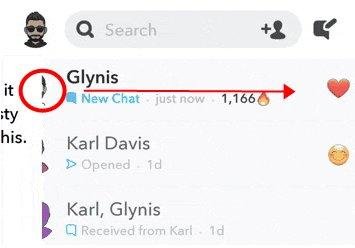
If we know the sender personally, then it is also an efficient way of knowing if the Snap was private or public. If it is a friend, then it could be some private story or a message, but if it is a random account, then it is most likely a snap meant for the public.
Type of Content
The type of the Snap is a great indicator if the Snap is just for you or not by judging if its content is private to you or not. If they are having a conversation with you or sharing something personal with you, then it is more than likely that this Snap was meant for you.
If a snap is of a public place or if the sender is on vacation, then it is likely that the Snap was sent to multiple people. Unknown accounts can send snaps to multiple people at the same time, and these snaps mostly just come out of the blue from accounts that have little to no communication.
Ask Directly
One of the easiest ways to know about Snap if the sender is your personal friend is to ask them nicely if it is private or not. In this way, you can sidestep all the annoying or time-consuming process of obtaining this information.
Conclusion
Snapchat’s newest update has sparked a debate among people regarding two terms that are similar in their functionality, but their wording has flashed a rumor that “sent you a snap” means individual messages and “sent a snap” means a snap was sent to numerous people on one go.
These are just rumors as of now, and Snapchat management has not addressed the issue yet. However, there are different ways by which we can find out about the status of the Snap that has been sent to us, whether they are private for us or were part of the multiple recipients. Those six methods will roughly guide you toward the intended results. Hope this blog has clarified any doubts regarding the usage and updates of this app.
Stay tuned to Qnnit for more useful content.