
Whether through music videos, live streaming, movies, or even simple vlogs, we all know how crucial visuals can be in grabbing and engaging an audience. Because of this, it is essential to ensure those graphics are as striking as possible.
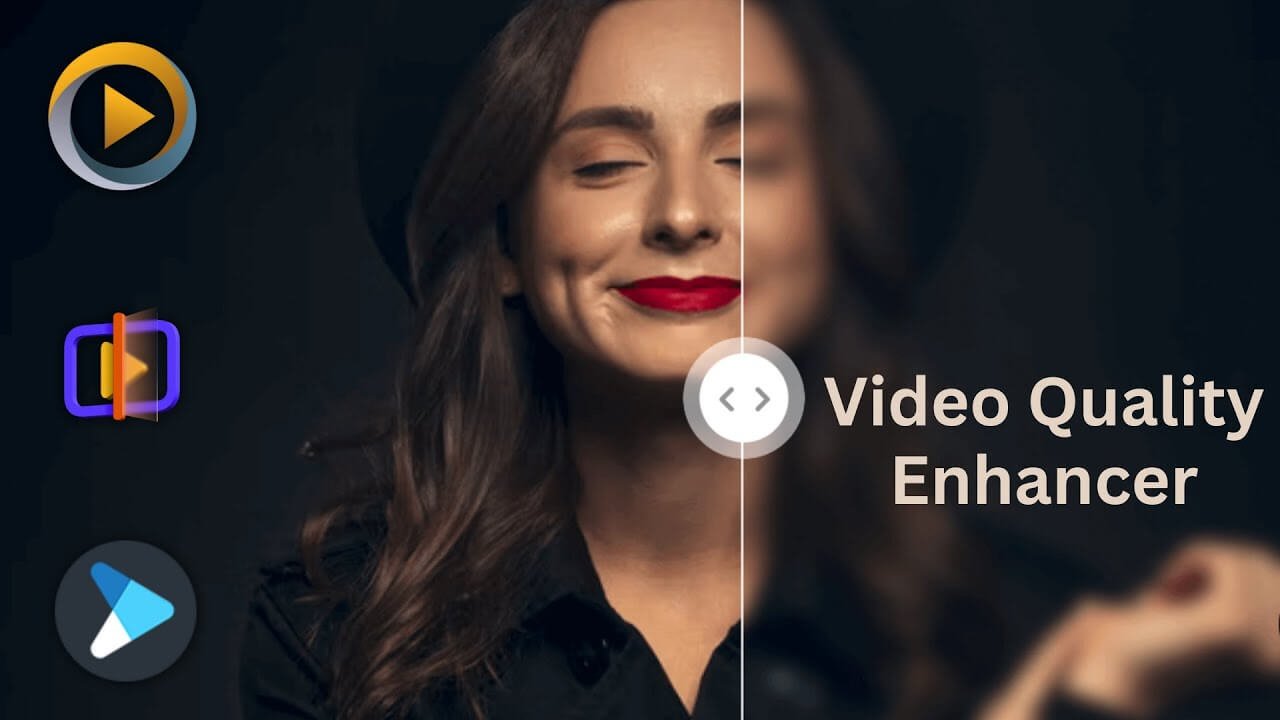
With the development of specialized video enhancer software, improving the quality of video recordings has become easier and quicker. This software can enhance the resolution, brightness, and clarity of videos taken by webcams, cell phones, or video cameras. Still, it also provides a wide range of extra capabilities, including noise reduction and color optimization.
These technologies, which today’s technology makes simple to use without needing post-production expertise, allow anyone to produce high-quality footage easily. Use these software tools to your advantage to transform common films into polished products without engaging in a time-consuming editing process.
A few of the top tools and applications for enhancing videos are listed below:
Hit Paw

Hit Paw Video Enhancer AI is the ideal answer for those wishing to improve their films. It uses three different models, including the Denoise, Animation, and Face Models, to significantly increase the videos’ quality through AI technology.
The Denoise Model works to make low-light and otherwise, low-quality footage appear crisp and bright. The Animation Model sharpens and colors old anime clips to make them appear more realistic on high-definition televisions. Finally, the Face Model retouches portraits within each video frame by changing the brightness, color saturation, and contrast.
Hit Paw has several standout qualities, including:
- AI-driven technology for rapid video scaling
- Video noise reduction
- Enhances anime and videos of people’s faces
- Raises the resolution of videos to 8K
AVC Labs

An easy-to-use video upscale and enhancer are available from AVC Labs.
Using super-resolution upscaling and multi-frame enhancement, the program uses neural networks to upscale video from SD to HD, HD to 4K, and 4K to 8K. By reducing noise, artifacts, and blurring and reaching the ideal balance of brightness, contrast, and saturation levels, it not only boosts the actual resolution of your video but also improves its quality.
Vintage films, TV episodes, and anime are given contemporary sharpness and clarity by AVC Labs Video Enhancer AI. This video quality enhancer may boost the video quality (using Single or Multi-frame enhancement) using trained AI models and AI algorithms, giving you the greatest possible viewing experience when watching classic movies, TV series, and anime on contemporary HD or UHD displays.
The quality and details of a picture may occasionally be lost during translation from one screen size/resolution to a bigger one when using basic traditional upscaling (frequently lose clarity and detail owing to pixelation).
To upscale HD videos to 4K, AVC Labs AI video upscaling uses innovative techniques. This powerful software may generate larger and more detailed images than the original images without compromising image quality by utilizing data from various frames. Through highly precise low-resolution picture fusion, super-resolution methods enable computers to produce high-resolution results.
Veed

With the help of VEED’s artificial intelligence technology, noise in your audio is automatically detected and immediately eliminated, leaving you with clear sound. It’s ideal for removing unwanted sounds from recordings you’ve made at your home office because you can’t always control what sounds your microphone will pick up. Wind, rain, traffic sounds, ticking clocks, static, buzzing from air conditioning, and other noises can all be eliminated using VEED.
You can produce videos of a high Caliber with just a few mouse clicks using VEED. Using the simple-to-use video editor, you can change many things, including the frame rate, resolution, size, lighting, and audio quality. Your videos can have voiceover narration, background music, automatically created subtitles, and even the background noise can be eliminated.
The best part is that you can make your entire video stunning and expert-looking by using VEED’s video editing tools. You can use our Auto Subtitle function to make your films available to a larger audience. Your video should have subtitles. Select Auto Transcribe under Subtitles in the menu on the left. Subtitles will be created for you by VEED automatically. You can also employ various video editing tools, including camera effects and filters. A screen recorder, a green screen editor, and many other tools are included in VEED.

Wonder Share Filmore is a potent video enhancement tool on both Windows and Mac computers, providing a wide range of audio and video effects and 50+ supported international formats, including 4K editing.
The app is perfect for small enterprises, studios, and educational institutions because it gives users access to cutting-edge video editing tools and Filmstock effects.
Additionally, its AI portrait feature enables users to quickly identify people in the video, making it possible to identify their faces in videos easily.
The following are a few of Wonder Share’s best features:
- The keyframe
- Audio-visual effects
- A selection of presets and effects
- Colour correction
Topaz

Topaz Video Enhance AI is a potent upscaling tool created by Topaz Labs that deftly employs cutting-edge machine learning technology to improve the resolution of videos up to 8K. Along with upscaling films, this tool can perform several editing functions, including trimming, slow-motion effects, denoising, deinterlacing, and restoring.
The tool allows users to improve the video quality with astounding accuracy and precision.
The AI video restoration technology from Topaz is an effective tool. It allows for precise and effective repairs thanks to training from countless films. Regardless of your video’s source, Topaz can sharpen blurry areas, change the color, flicker, and check for flaws and errors. These problems can be accurately identified by the integrated AI engine, resulting in high-quality, natural outputs.
Top characteristics of Topaz include:
- Technology for machine learning
- Upscale videos to 8K quality
- Other jobs, such as slow motion, denoising, and upscaling
- Instructed by countless videos
Lightworks

For those with various skill levels, Lightworks is a better solution for video editing. This tool is fantastic for any user’s toolbox due to its diverse features, including 10-bit output, complex tilting, and motion graphics. It supports new Blue and Total FX plugins, allowing users to add a special flair to their especially difficult projects.
Lightworks also offers a pro edition with the specialized capabilities experts need to complete challenging tasks if the basic version needs to be more up to the task. With this software available, streamers, filmmakers, and content producers will be well-equipped to take their ideas and make them come to life with effective yet user-friendly editing capabilities.
The top characteristics of Lightworks include:
- All levels of experience
- Supports the Total FX and New Blue plugins
- Possibility of purchasing the pro version
- Modern title design and motion graphics
Clipchamp

Clipchamp is a fantastic collection of tools for editing video. The power of cloud technology can be used to carry out complex editing tasks online with ease. Clipchamp makes it simple to incorporate any media into one document, including images, videos, and audio files.
Additionally, users can edit the file locally on their computer and save the modified version if they need to access it again. Users can also add any desired text and effects. With all these features, Clipchamp makes producing and editing visually compelling content simple with little effort.
Among Clipchamp’s best qualities are the following:
- Comprehensive toolkit
- Makes use of the capabilities of cloud computing
- Add text and effects.
- Store and modify offline
Shortcut

Shot Cut is a great option if you enjoy editing and want to make professional-looking videos without spending a fortune. With a variety of sophisticated capabilities typically only available in more expensive software, this potent open-source and free video editor enables users to achieve excellent results with little effort.
Any project can benefit from the unique edge that can be added by adding special effects like blur and fish-eye correction, and Shot cut makes this process incredibly simple. It has never been easier or more affordable to export 4K quality films, giving your projects access to exciting new possibilities. Try Shot cut out immediately to start quickly and easily creating beautiful films.
Shot cut’s best qualities include the following:
- Affordable, high-quality videos
- A variety of cutting-edge features
- Free and open-source software
- Extra effects, such as blur
Pixop

Pixop is a good option for people wishing to upscale their movies using AI. Some of the most realistic and thorough findings now available on the market are produced by software using modern neural network technology. This achievement is even astounding because Pixop is automated, requiring users to choose the file to upscale and leave the rest to Pixop.
Additionally, you can rest assured that Pixop delivers the finest outcomes thanks to consistent upgrades, including new features and enhancements. Consider giving Pixop a try for simple yet thorough video upscaling.
The following are some of Pixop’s best features:
- Neuromorphic computing
- Autonomous
- Frequently updated features
- Extensive video upscaling
DaVinci Resolve 18

DaVinci Resolve 18 is an excellent tool for experienced or aspiring producers who want to improve their videos. This program offers several features aimed at producing better results in addition to its potent video quality booster capabilities.
Although its color grading and audio enhancement functions provide a vast array of options for audio-visual customization, its keyframing and cutting tools allow users to adjust the more minute parts of videos precisely. DaVinci Resolve 18 is a great tool for creating professional content, whether it’s for personal or commercial purposes.
Among DaVinci’s best attributes are the following:
- Effective improvement of video quality
- Tools for cutting and keyframing
- Grading in color
- Audio improvement
Conclusion
In conclusion, using video enhancer software is essential for producing stunning videos. Even if you’re not a professional editor, these tools enhance quality and provide interesting features. So check out the top enhancer application and boost your content if you want outstanding videos.