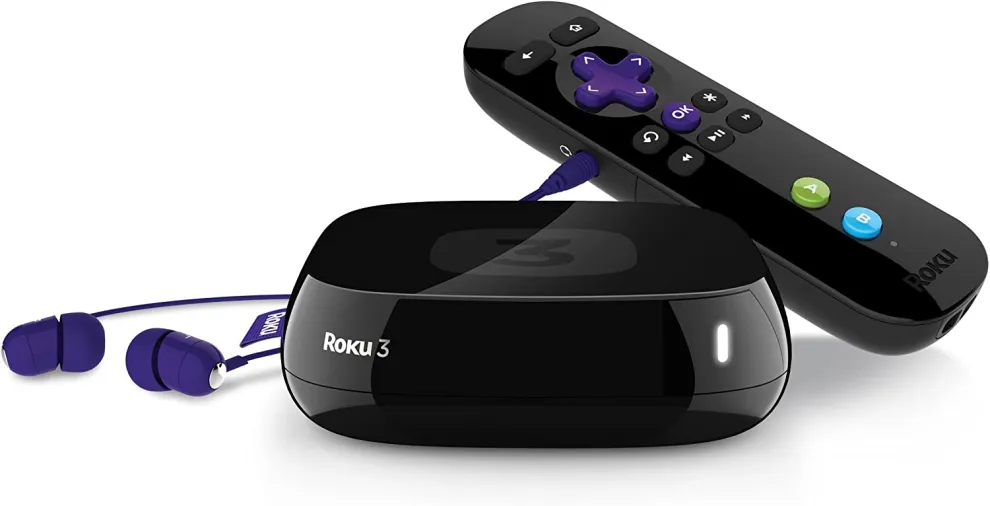
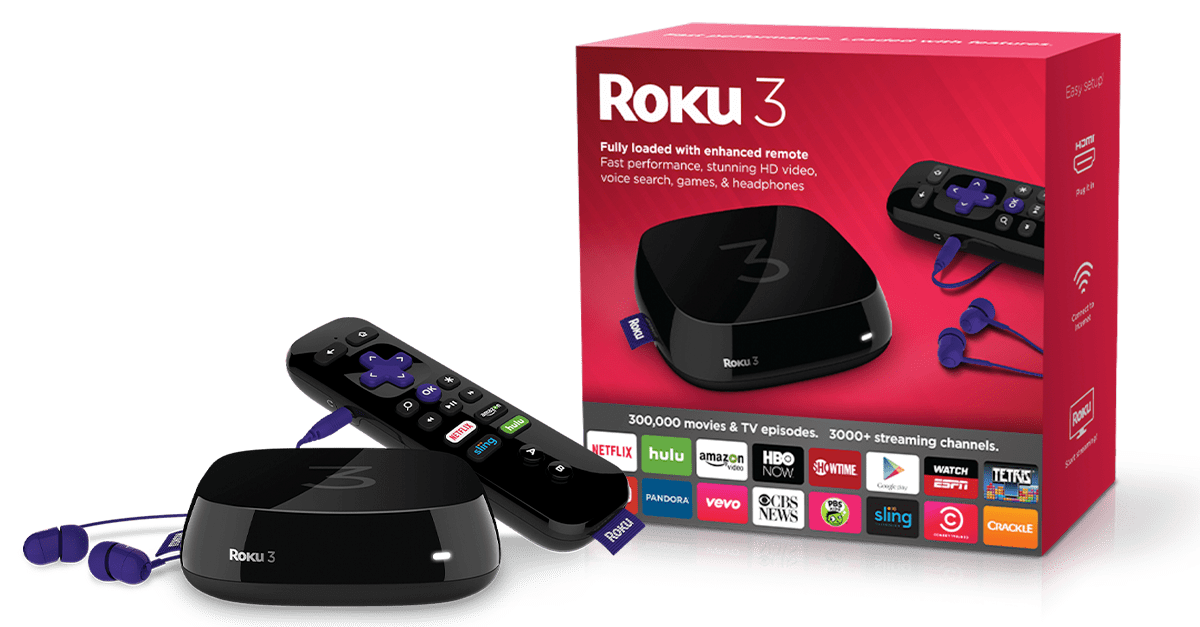
If you are using Roku 3 device and want to add more games or channels, then the device’s memory will become slow. As a result, you get a notification or message to expand your memory. The good news is that you can do it using SD Card for Roku 3. Read the blog till the end to get to know about what size micro SD card for Roku 3?
What Size Micro SD Card For Roku 3?
By using an SD card, you might think you have received much space for your device for better performance. However, this is not the case because the micro SD card is not there in order to store your personal data like music, files, or even images.
It is worth mentioning that the SD card only serves as extra storage for channels and programs that are already installed in your Roku 3. An extra SD card is not supposed to speed up your player. You will not be able to download videos, or even you can not play anything from the SD card if you load it ahead of time. Therefore, getting a 4GB or 8 GB SD card with a great speed rating would benefit you.
What Memory Card Does Roku 3 Use?
The Roku 3 accepts Micro SD card. However, the users might note that anything above 8 GB SD card causes the device to freeze, or even the remote will not be able to work properly. So, it is better to use any brand with 3 to 4 GB for Roku 3.
Does Roku 3 have Micro SD Card Slot?
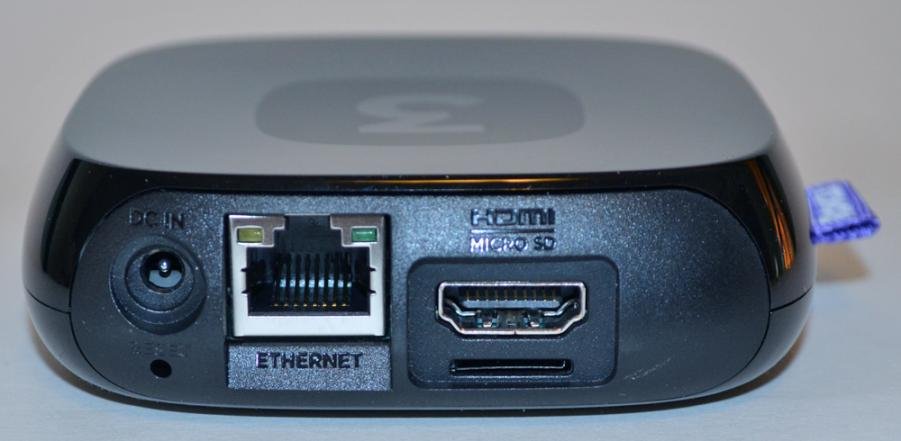
If you are using Roku 3 device, you must first unplug everything and check out the connectors carefully because there should be a Micro SD card slot. Once you find it, you can add a Micro Sd card through the slot.
How do I Add Memory to My Roku 3?
Roku 3 allows you to access a Micro SD card slot through which you can increase the internal space for adding more channels or games by inserting a micro SD card. The good feature of the micro SD card in Roku 3 is that the memory card will improve the speed of loading channels and games.
Personal items such as images, movies, and music will not be stored on the micro SD card. You can find a micro SD card slot beneath the HDMI label at the back. So, all you need to do is that first format the SD card. Once the format operation is completed, the micro SD storage on the Roku device will now be used to load new channels along with games.
Does Installing an SD Card Make the Device Faster?
Installing an SD card in your Roku 3 does not speed up the booting or operation of the device. The SD card only lets you store more channels before offloading and installing a new one.
Frequently Asked Questions (FAQs)
Below are the FAQs about What size Micro SD card for Roku 3:
Q1: What size SD card do I need for a Roku 3?
Ans: You can use a class 2 or greater micro SD card with a minimum of 2GB storage.
Q2: What type of SD card does the Roku 3 take?
Ans: Roku 3 accept Micro SD card.
Q3: What format does Roku 3 use for USB?
Ans: Roku 3 media player supports drives that are formatted with the FAT16, FAT32, NTFS, EXT2, EXT3, and HFS+ file systems.
Conclusion
Roku 3 accept Micro SD card. Roku 3 allows users to access a Micro SD card slot through which they can increase the internal space for adding more channels or games by inserting a micro SD card. So, the blog has covered information about what size Micro SD card for Roku 3.
Make sure to visit our website Qnnit for more such types of blogs that help you sort out your queries. Read these blogs to get yourself updated about Roku: Roku Remote Volume isn’t Working How to Fix, How To Find And Reset Roku Pin, and How to Watch Super Bowl for Free on Roku.