Introduction
Snapchat is one of the most used apps on the internet all across the world. Since its launch, it has millions of followers who share snaps and stories to keep others abreast of day-to-day activities. So, what Snapchat does is introduce a whole lot of features every other day. Some of the unique features are available for the users of Snapchat +.
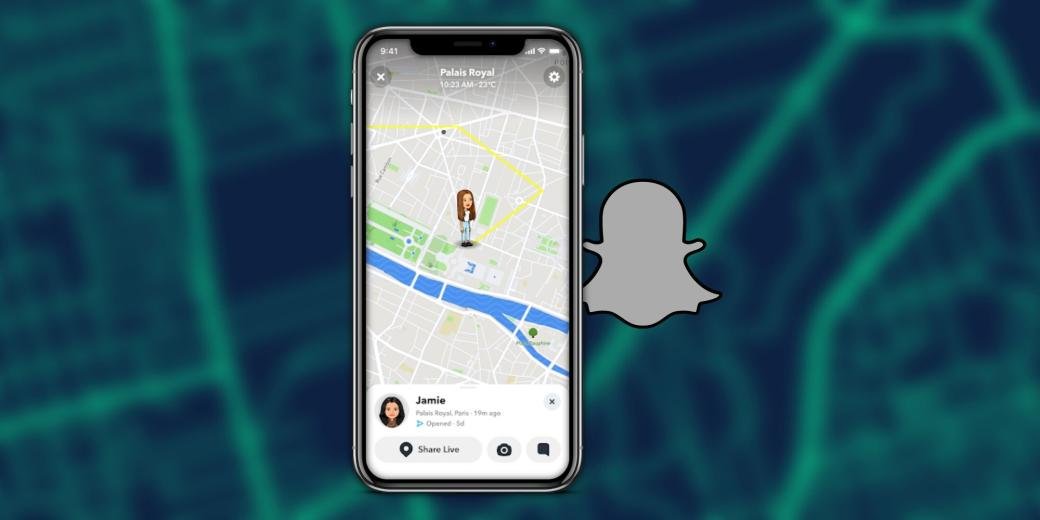
Premium users have the perks to enjoy the newly introduced features such as Ghost Trials. This feature is said to have received quite some attention recently. This unique feature allows users to see the location of their friends for the past 24 hours. Sounds like stalking? Yes, it is kind of that. But this feature is popular among the audience.
What is Snapchat +?
Before delving into the details of ghost trails, let’s talk about the familiar app Snapchat +. It is a premium subscription service that allows users to enjoy some premium features that regular users can’t.
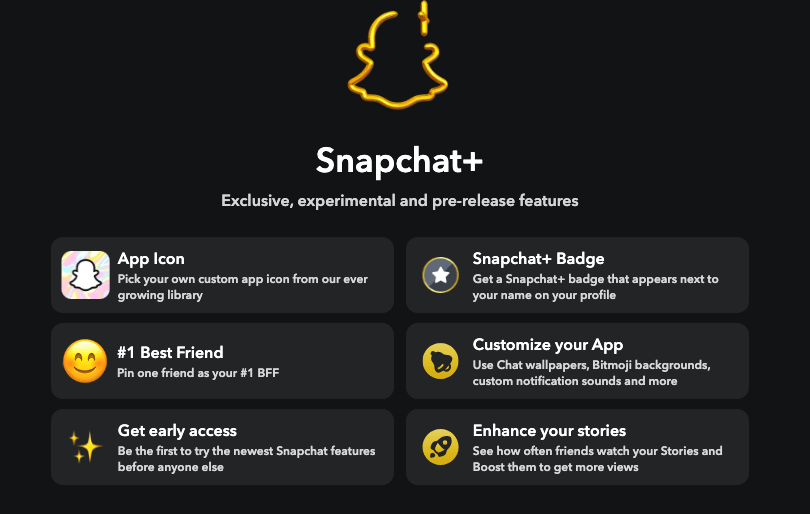
There are some features such as:
- Users can add color borders.
- They can pin a friend as their BFF.
- They can customize their notification sounds.
- They can also see how many times friends have rewatched their story.
- The users can set the custom expiration of stories rather than the standard story time of 24 hours.
What are Ghost Trails on Snapchat?
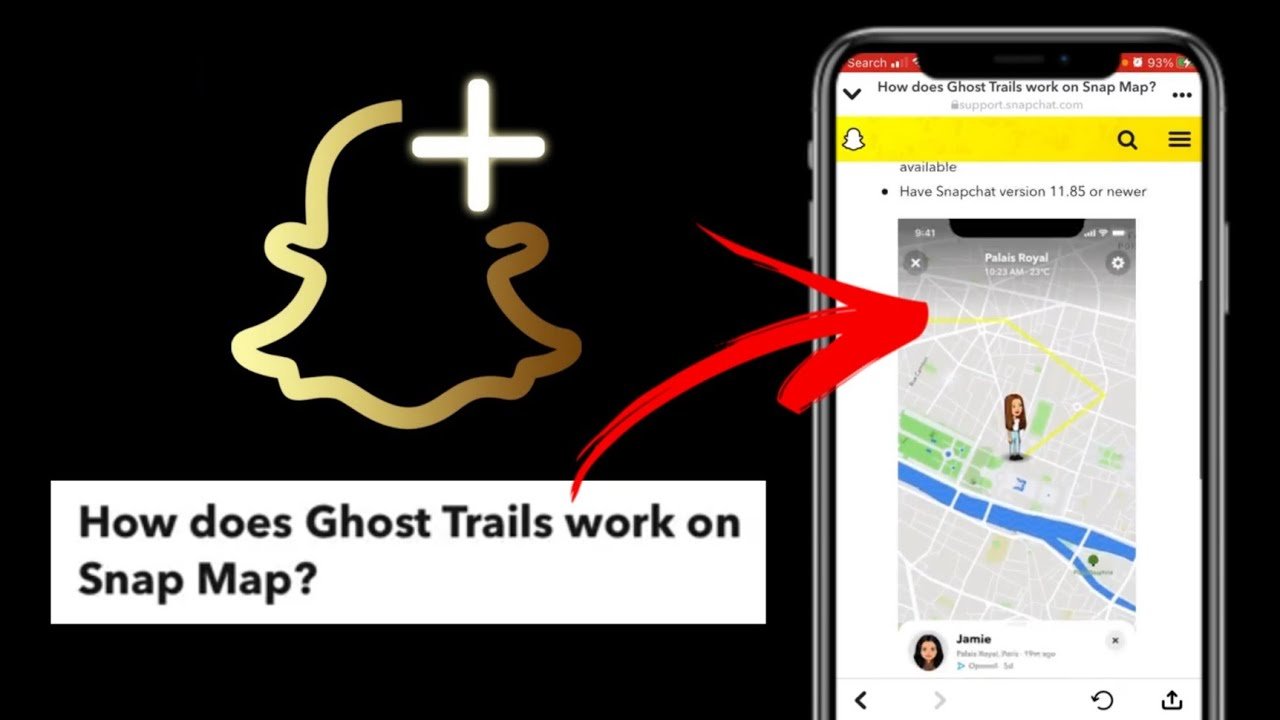
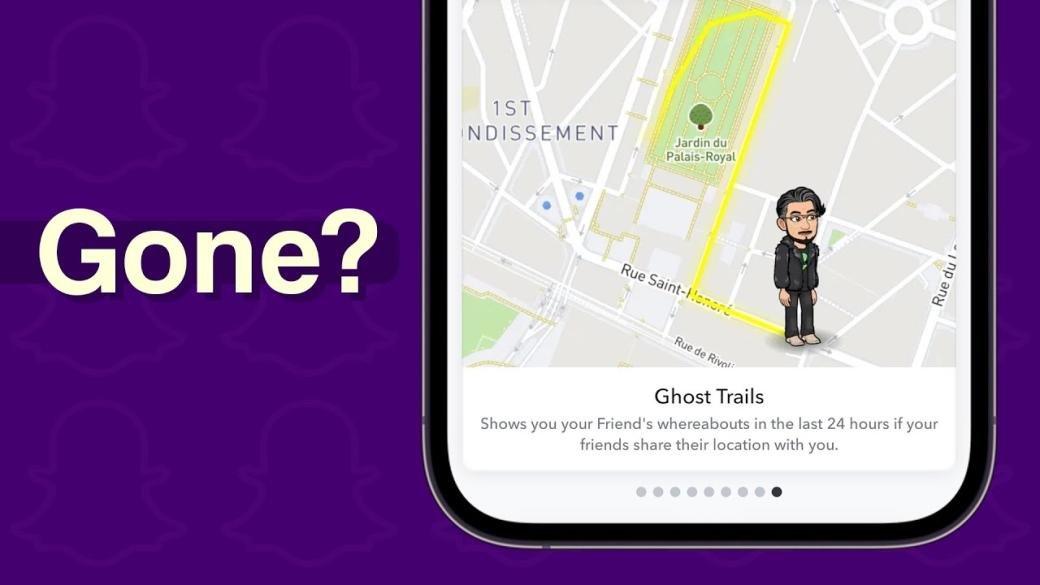
Coming to the main topic of the blog, what are ghost trails on Snapchat? It is the newest feature in the premium Snapchat+. This feature allows the users to check the location of their friends from the past 24 hours. It is a way of keeping a check on your friends. You can know where your Snapchat friends have been in the past 24 hours.
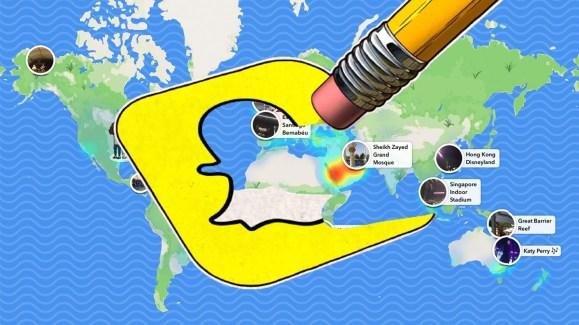
A yellow line appears on the snap map, which is an indication for the users to see their location. However, this feature can be highly invasive to their privacy. So, to cope with those issues, certain rules have been defined by the app, such as that only the users who have allowed their location access can be tracked. It is not available when users have turned off their location access. To access the feature, all a user has to do is tap on the person’s Bitmoji.
Location Sharing on Snap Map is an Opt-In
It is pertinent to mention that the location-sharing feature on the snap map of Snapchat+ is an opt-in. It means that users have the option to decide whether they want to share their location with everyone, close friends, or with no one.
This additional feature allows users to maintain their privacy as per their needs. Also, the feature of ghost trails is only available in the countries that have introduced Snapchat+.

How to Turn Ghost Trials Off?
If a person is using Snapchat+ but is also concerned about his privacy, the app has facilitated the users to turn their ghost trails off and protect themselves from being spied on. For this purpose, you have to follow some basic steps.
Below are the steps to be followed:
Step 1: Simply tap the Snapchat+ button.
Step 1: From there, you can toggle Ghost Trails off, as well as other features. This just means that you will no longer be able to see Ghost Trails from your account. Your Ghost Trail, however, will still be visible.
To turn off your location sharing, follow these steps:
Step 1: You can tap your profile icon
Step 2: Tap the settings gear icon
Step 3: Scroll down until you reach the ‘Who can…’ section
Step 4: Open the locations settings page.
Step 5: From there, you can choose whether you want your location to be visible to everyone, just friends or no one at all.

Did Snapchat Remove Ghost Trails?
Many users claim that they can’t see the ghost trails option anymore. Here’s what you need to know.
On their support page, the app assistant explained:
“Ghost Trails is no longer available as we roll out live location sharing to Snapchatters everywhere. You can now share your live location, even when you’re not using Snapchat!”
Conclusion
Wrapping up, this blog entails what are ghost trails in Snapchat. It covers detailed information about what is Snapchat+ and what are features of ghost trails. Moreover, ways are provided to turn off the ghost trails to maintain privacy. Users can turn their location entirely off or choose to enable them for some of their close friends as per their needs. In short, it was a fun feature for some, but for others, it was alarming as it put their privacy in danger.
To know more about Snapchat, visit Qnnit.