
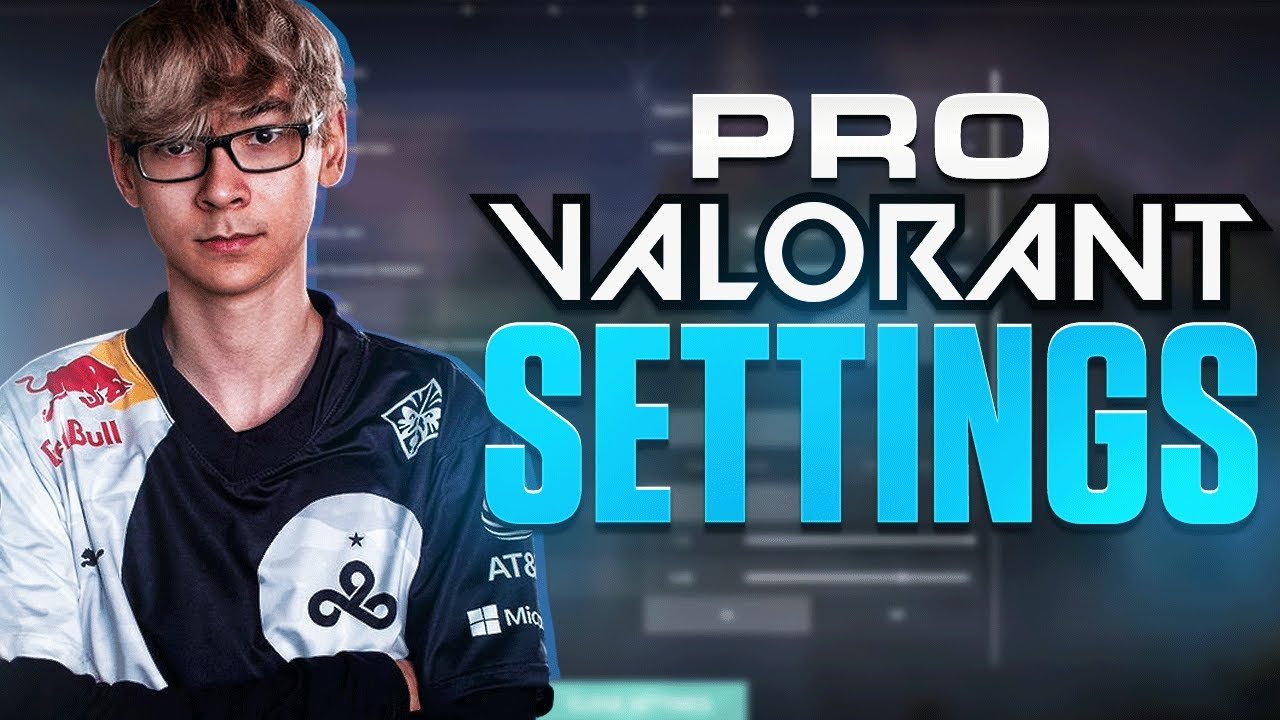

Get the ultimate advantage in Valorant with our in-depth guide on TenZ’s settings, crosshair, and sensitivity for 2023. No matter whether it is mouse sensitivity—which contains DPI, eDPI, and Hz settings—or keybinds, we have got you covered. Make sure to figure out how TenZ organizes his crosshair, radar, and video settings in order to maximize gameplay.
Dive deep into the gear and PC specs that power TenZ’s performance, from his AMD Ryzen 9 5900X and Asus GeForce RTX 3090 to peripherals like the Finalmouse Starlight-12. Our blog is a must-read for those looking to enhance their gameplay. Do not forget to follow our website, Qnnit, to learn about more games.
What are TenZ’s VALORANT crosshair settings?
TenZ’s VALORANT crosshair settings are the valorant crosshair settings that TenZ uses in both his streaming and competitive VALORANT career with Sentinels.
All Sentinels Player Settings – TenZ
TenZ Valorant Settings – Mouse Sensitivity
FINALMOUSE STARLIGHT-12 (MEDIUM) / ENDGAME GEAR XM1
- DPI: 800
- Sensitivity: 0.456
- eDPI: 364,8
- Hz: 1000
- Scoped Sensitivity M: 1
- Windows Sensitivity 6
It is vital to mention that sensitivity is among the most personal part of the whole setup, and it depends a lot on the style of play. Do not rule out consulting the sensitivities of other pro
TenZ Valorant Settings – Keybinds
XTRFY K4-RGB TKL WHITE
- Walk: L-Shift
- Crouch: L-Ctrl
- Jump: Wheel Down
- Use object: E
- Equip:
- Primary Weapon: 1
- Secondary Weapon: 2
- Melee Weapon: 3
- Spike: 4
- Use & Equip Ability:
- 1: Mouse 4
- 2: Mouse 5
- 3: C
- Ultimate: F
TenZ Valorant Settings – Crosshair
- Color: Cyan
- Outlines: On / 1 / 1
- Center Dot: Off
- Inner Lines: 1 / 3 / 1 / 2
- Outer Lines: 0 / 0 / 0 / 0
- Fade / Movement / Firing Error: Off / Off / Off
TenZ Valorant Settings – Radar
- Rotate / Fixed Orientation: Rotate / Based on Side
- Keep Player Centered: On
- Minimap Size: 1.2
- Minimap Zoom: 0.9
- Show map region names: Always
- Minimap vision cones: On
TenZ Valorant Settings – Video Settings
The graphic configuration hardly varies from one pro to another, with minimum qualities for maximum speed; what is important is that you have a good graphics card.
General Settings
ASUS ROG PG259QN
- Display mode: Full Screen
- Resolution: 1920×1080
- Frame Rate Limit: Unlocked
- Nvidia reflex: On + Boost
Graphics Quality
ASUS GEFORCE RTX 3090
- Material Quality: Low
- Texture Quality: Low
- Detail Quality: Low
- UI Quality: Low
- Vignette: Off
- VSync: Off
- Anti Aliasing: None
- Anisotropic Filtering: 1x
- Improve Clarity: Off
- Bloom: Off
- Distortion: Off
- First Person Shadows: Off
TenZ Valorant Settings – Gear & PC
The performance of your team, along with the connection, is key
Gear
- Monitor: Asus ROG PG259QN
- Mouse: Finalmouse Starlight -12 Medium / Endgame Gear XM1
- Mousepad: Artisan Zero XL Soft
- Keyboard: XTRFY K4 RGB TKL White
- Headset: XTRFY H1
PC
- CPU: AMD Ryzen 9 5900X
- GPU: Asus Geforce RTX 3090
- Mainboard: Asus ROG Crosshair VIII Hero
- Memory: G Skill Trident Z Neo 32GB
- Case: Lian LI PC-011
- Liquid cooling: NZXT Kraken X73
- SSD: Samsung 970 EVO Plus 1TB
- Power Supply: Corsair AX1000
- FANS: 3X Corsair QL120 RGB Triple Pack & Corsair Lightning Node Pro
Setup
- Microphone: Shure SM7B
- ARM: Blue Compass
- Mixer: GOXLR Mini
- Webcam: Logitech C920
- Chair: Secretlab Cloud9 Edition


