Introduction
PayPal is an online payment system that makes sending and receiving money online. With the help of PayPal, sending and receiving money online is now incredibly simple and safe.
It works like a virtual wallet that eliminates the hassle of carrying cash or using conventional payment methods while allowing you to purchase online or run a business.
Keeping our online accounts secure is crucial in today’s digital environment, and this is where keeping an eye on your PayPal login activity is useful. You can make sure that only you and no one else is accessing your money or personal information by constantly tracking who is logging into your PayPal account.
In this article, we will guide you through the easy process of verifying your PayPal login activity. We will explain how to access the proper PayPal account settings so you can simply track your login history.
You will discover how to identify any suspicious login activity and what to do if you see something odd. If you want helpful advice so you are in the right place to safeguard your account and make sure your PayPal online transactions are worry and risk-free.
Features and Aspects of PayPal
Here are some key features and aspects of PayPal:
Online Payment
PayPal enables its users to make payments online for goods and services. It Transfers funds with security between PayPal accounts and credit cards. PayPal acts as an intermediary between the buyer and seller.
Money Transfers
Users of PayPal can transfer money to their friends, family, or someone with a PayPal account. It is an easy way to split bills or send money internationally.
Buyer and Seller Protection
PayPal provides its users with proper security for both buyers and sellers. It gives protection from fraud prevention measures and dispute resolution.
Mobile Payments
PayPal mobile app is very useful for its users that enables them to manage their accounts and send and receive money. It makes purchases using their mobile phones.
International Transactions
PayPal makes international payments, and it supports transactions in multiple currencies.
Privacy and Security
PayPal employs advanced security measures and encryption technologies to protect user information and transactions, offering peace of mind when conducting online financial activities.
How to Login to your PayPal Account
Follow these simple steps to log in to your PayPal account:
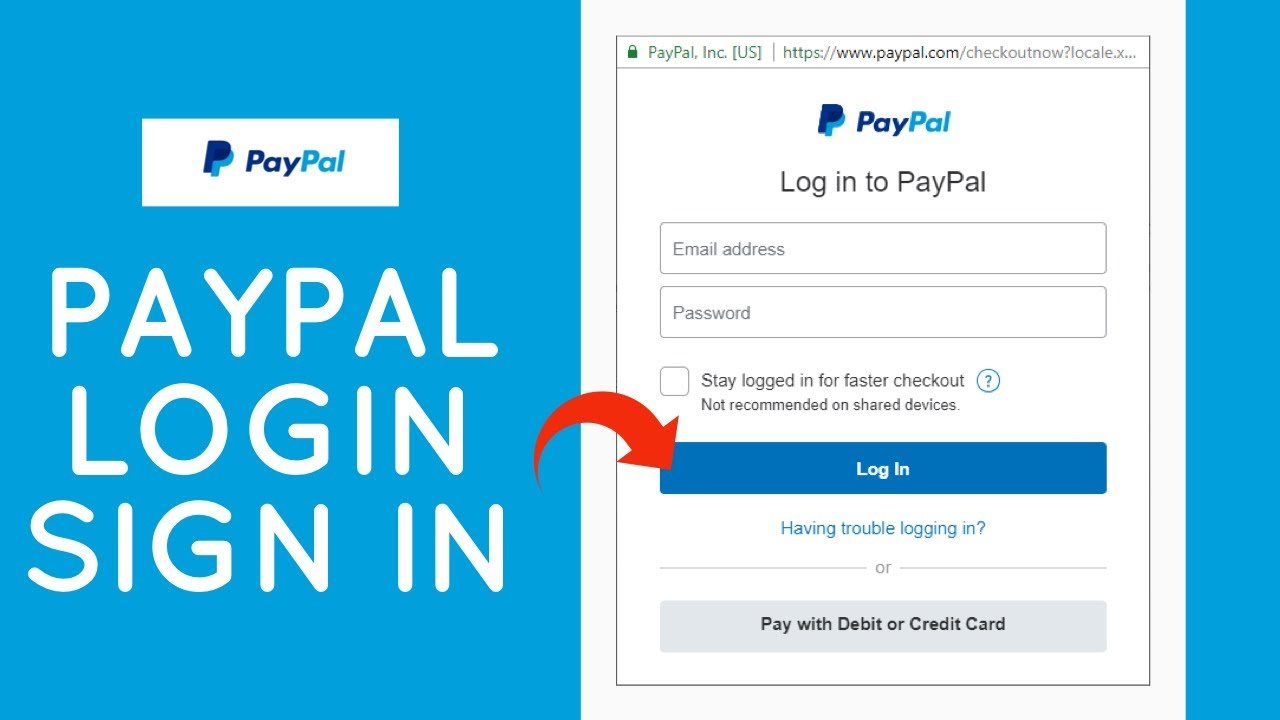
Step 1: Open your preferred web browser and type PayPal in the address bar and open it.
Step 2: You will see the “Log in” button on the homepage of PayPal. Click on it.
Step 3: This Login PayPal will ask for specific information such as email address and mobile number. Make sure to type information correctly.
Step 4: Now, enter the correct password in the specific area. After entering your password and email address, click on the login button.
Step 5: You will be successfully logged into your PayPal account if you enter the correct information. Now you can access your dashboard of account. Where you can view your balance, send and receive money.
Step 6: Keep your login information secure, and do not share any personal information with anyone. PayPal also provides options for password recovery through email and phone verification.
Step-by-Step Guide to Check PayPal Login Activity
Here is the step-by-step guide to checking PayPal login activity. Follow these steps:
Step 1: Type PayPal in the address bar and open the website of PayPal.
Step 2: Now Provide the Specific information to login into your account on the homepage, such as your PayPal email address, password, and mobile number.
Step 3: Now, on the dashboard of your PayPal account, find the gear icon or the option of setting on the top right corner of the page.
Step 4: Select “Security” here from the settings options.
Step 5: Within the security settings, locate the section related to “Login and Security” or “Login Activity.”
Step 6: Here, you can see the list of recent login activities. It also includes all the specific information like time, date, location, and the device used for login.
Step 7: Keep checking your PayPal login activity to identify any unauthorized or suspicious activity. Immediately change your password if you notice any unauthorized action.
Detecting Suspicious Signs in your PayPal Account
To maintain security, it is important to detect suspicious activity in your PayPal account. Follow these signs to indicate any suspicious activity:
Unknown Transactions
Check your history of transactions regularly for any unauthorized transactions. If you didn’t make any transactions and you notice any payments or transfers, it could be a sign of unauthorized access to your account.
Unexpected Emails or Messages
Be cautious of any emails or messages that claim to be from PayPal, but it is fraud. Don’t give any type of personal information, and don’t prompt suspicious links. Remember, PayPal will never ask for sensitive information via email.
Unusual Login Activity
Keep an eye on your login activity from any unknown devices or locations. You can check for the login history that PayPal provides to show details about recent logins.
Account Settings Changes
If you notice any unexpected change in your account settings, such as email, password, or contact, respond quickly by contacting PayPal customer services. If you didn’t make these changes, it could indicate unauthorized access.
Notifications from PayPal
Keep an eye on any security notifications or alerts sent by PayPal. They will also immediately inform you of suspicious activity or provide important updates regarding your account.
Precautionary Measures for Suspicious Activity in PayPal Account
These are some of the precautionary measures if you notice any suspicious activity in your PayPal account:
Change your Password
Change your password immediately if you believe something is wrong with your account. Create strong and unique passwords, including special characters and numbers. Make sure not to share your password with anyone.
Contact PayPal Security
If you notice any suspicious activity on your PayPal account, report it to PayPal’s customer support. Address your issue and ask for help; they will investigate the issue. They will also guide your account security.
Enable Two-Factor Authentication (2FA)
Enable two Factor Authentication for an extra layer of security. It will send you the verification code on your email or your mobile number. Enter the verification code in addition to your password when logging in.
It is important to stay updated and keep an eye on your PayPal login activity to detect wrongdoings and respond immediately.
Frequently Asked Questions
Q: What exactly is considered suspicious activity in a PayPal account?
A: Suspicious activity includes things like unauthorized transactions, unfamiliar logins, changes to account settings without your knowledge, or receiving suspicious emails or messages claiming to be from PayPal.
Q: How can I recognize phishing attempts related to my PayPal account?
A: Look out for signs of phishing, such as emails or messages requesting personal information, urging you to click on suspicious links, or claiming urgent account issues. Remember, PayPal will never ask for sensitive information via email.
Q: Does PayPal provide notifications about suspicious account activity?
A: Yes, PayPal may send you security notifications or alerts if they detect any suspicious activity in your account. Ensure your contact information is up to date to receive such notifications.
Conclusion
It is essential to often verify your PayPal login activity to keep your account safe and secure. You can spot any unusual activity or unauthorized access by keeping an eye on your account. Watch your login activity, and be sure to verify your transaction history for any unusual payments. It’s crucial to take action right away if you observe any strange logins coming from unidentified devices or places.