How to unlock and obtain the original Dodge Deora in Hot Wheels Unleashed!
Unlocking and Obtaining Deora

So, you want the elusive Deora, eh? Amazingly, Milestone has actually managed to throw it in the game as a STH, or Super Treasure Hunt. STH is a super rare drop category from the blind boxes, or as legend tells, will appear rarely in the shop for 2000 coins.
Now we’ve all shared struggles of opening blind boxes only to get duplicates of cars we already own or don’t want just chasing down the elusive few, but fret not, this is exactly the same! That’s right, life sucks and you’re gonna have to pray to the good ole RNGesus for this one harder than you ever have, but you do have some options which I’ll list below.
Step 1: Discovering the Deora
– Because you’re already here reading this, I’ll take the guess you already know about it, so you can move on to step 2.
Step 2: Read a guide in hopes it’ll help
– Now, you’re already doing this one, so I’m proud of you. You’re on the right track.
Step 3: Spend all the coins you have on Blind Boxes
– Yep, go on ahead, I’ll wait.
Step 4: Open the Blind Boxes
– This will go one of two ways, you either get the Deora or you don’t. If you got it, congrats! You’re lucky and I’m jealous. If not, don’t give up hope, you still got some stuff to try.
Step 5: Sell The Dupes
– Nothing new here, frankly, sell your duplicates for coins, and spend those coins on more boxes!
Step 6: Buy More Blind Boxes & Open ‘Em Up!
– Now this is gonna feel a lot like Step 4 did, and that’s just how it is. If you still haven’t been lucky, keep going!
Step 7: The Shop
– As I mentioned, there is a rare chance it’ll show up in the shop. The five cars in the shop will rotate every four hours, however, that timer is only counting when the game is actually running, so you’ve gotta be playing the game for it to reset the cars. This brings me to the next step…
Step 8: Selling Your Soul
– That’s right, you’re gonna have to sell your soul to Unleashed, and never close the game until the Deora shows up in the shop, checking every four hours to see if you got it.
Step 9: Giving Up On Your Dreams
– By now, you probably are still SOL, so it’s about that time that you give up on your dream of owning the Deora. Let’s face it, statistically you were never gonna get it anyway, right? Sure, it could happen, but have you even bothered getting the Unleashed times on all the Time Attacks yet? Exactly. At least if you give up hope, you’ll stop being disappointed. Go on, keep playing the game. Who knows, maybe it’ll come when you least expect it…
Written by Zeph
Hot Wheels Unleashed Improving Image Quality
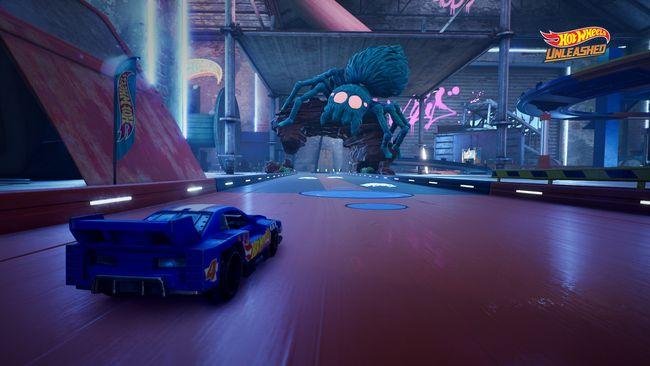
A little tweak that makes textures look better from certain angles.
Introduction
While browsing my car collection, i’ve noticed the textures look blurred at some angles when rotating the view. Also checked the track textures and same thing happens.
This is due the anisotropic filtering of the game isn’t good how it was supposed to be.
In this guide, i will show you how to fix that in a simple way. Let’s get started.
Disabling In-game Anisotropic Filtering
First of all, go to Options > Video > Advanced Settings.
Find “Anisotropic Filtering” option and deactivate it, like in the image below:

Now close your game.
NVIDIA Control Panel
Open NVIDIA Control Panel. You can do this by right clicking on your mouse when in Desktop or search it in Windows Start Menu.
Go to “Manage 3D Settings” and select “Program Settings” tab, select Hot Wheels Unleashed executable in the drop list and search for an option called “Anisotropic Filtering”, and then, change it to 16x like in the following image:

After that, hit “Apply” right bellow.
Comparisons (click to enlarge)
Hot Wheels Unleashed Anisotropic Filtering:
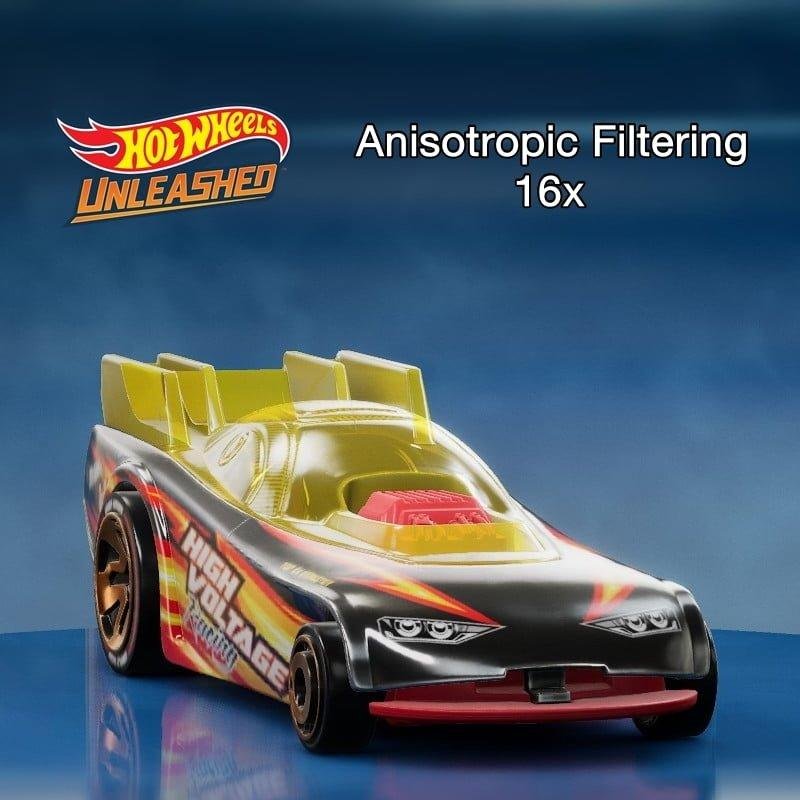
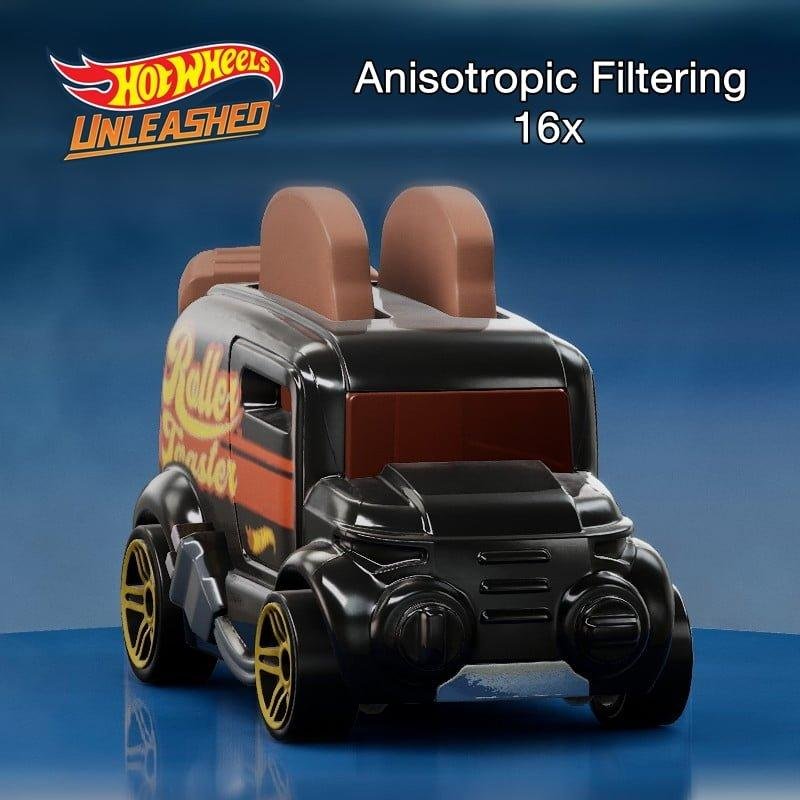
NVIDIA Anisotropic Filtering:


Track Textures:


Conclusion
That’s it, now enjoy your game! Hope this guide helped!
Written by MandrakeGTI