Mind mapping is the art of sketching down ideas, arranging your thoughts into attractive visual pieces, and brainstorming like a professional. Finding the right mind-mapping tool in this digital age is like finding a productivity gem.
Let me introduce you to GitMind, a bright future in the field of mind mapping. But have you ever thought that it can fulfill all your brainstorming needs in one place? To make sure you select the mind-mapping tool that changes your world, let’s dive into its depths and examine GitMind’s pricing, features, and top alternatives in 2023.
What is GitMind?
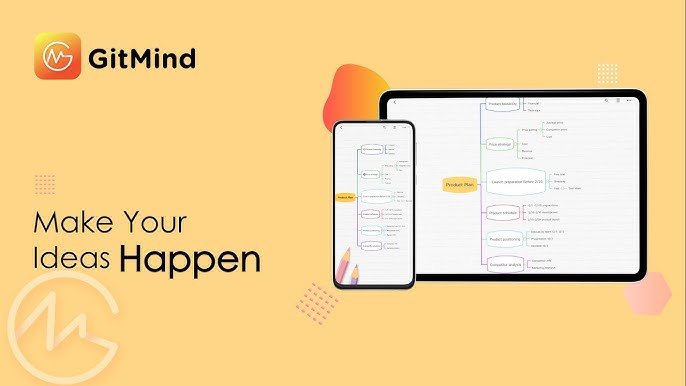
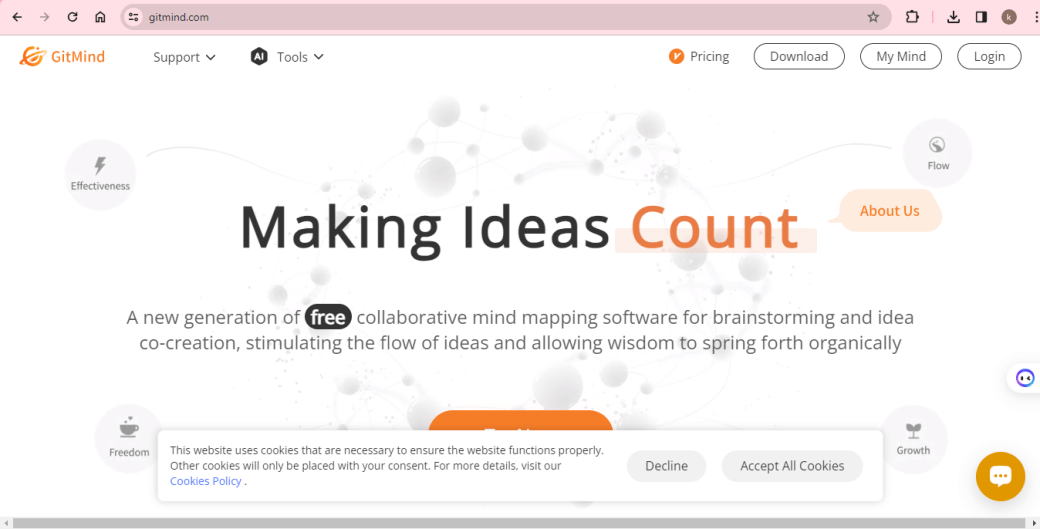
GitMind is a free feature-rich flowchart and mind-mapping program that works on all platforms. Windows devices allow you to build and modify mind maps. Every change will automatically sync and be stored in the cloud.

Who Uses GitMind?
GitMind is made to be used in a variety of situations where users organize their thoughts, manage projects, analyze marketing, and brainstorm. It brings your thoughts to life.
Key Features of GitMind
Here are some powerful features that set GitMind above competitors:
- Simple interface: GitMind’s intuitive design allows you to drag, drop, and connect your way to mind-mapping high. In only a few minutes, you may create stunning mind maps.
- Theme Magic: With so many colorful themes and customizing choices, you may uncover your inner artist. With GitMind, you may modify your mind maps to match your style, whether it’s hand-drawn designs.
- Cooperative Work: Assist your team or fellow students in real-time. GitMind’s collaborative capabilities facilitate brainstorming.
- Presentation Skills: With a few clicks, turn your mind maps into beautiful slideshows. Presenting in a clear, attractive manner will impress your audience.
- Branching style: Use GitMind’s subtopic and branching features to go into your concepts. Easily arrange complicated ideas and maintain a free flow of thought.
- Insightful Mode: You may center yourself and resume mind mapping with fresh clarity. It provides guided meditations and soothing visualizations.
- Pricing Plans of GitMind: You can choose any plan that matches your requirements and budget.
GitMind Price Plans
Below ar the brief about GitMind Price Plans:
- Basic (Free): It offers up to 10 mind maps and 20 AI attempts, uploads up to 30 images per file, 10 slide show attempts, and 1 planet, invites around 5 members per planet, and syncs across all platforms.
- 3 Year Plan ($2.19 per month): It offers 6 years of membership for 3 years, with a similar advantage to the annual and monthly subscribers.
- Annual Plan ($4.08 per month): It offers unlimited mind maps, AI usage, image uploads (up to 500 images per file), slide show attempts, up to 5 planets, invites up to 30 members per planet, syncs across all platforms, and priority support.
- Monthly Plan ($9 per month): It offers similar advantages as the annual plan but on a monthly basis.
Keep in mind to visit GitMind’s official website to find the most recent price details. Sometimes, GitMind sells lifetime plans for a single payment. GitMind often provides educators and students with a discounted price.
GitMind Specifications
Here, we provide you with GitMind specifications in tabular form:
| Category | Specification |
| Deployment | Cloud-Based |
| Subscription Plans | Monthly, Yearly |
| Accessibility | Customization, Mobile Support |
| Desktop Platforms | Web App |
| Language Support | Arabic, Chinese, English, French, German, Italian, Japanese, Korean, Portuguese, Spanish |
| Business Types | Freelancers, Startups, Agencies, Enterprises |
| Available Support | |
| Company Name | GitMind LTD |
| Website | https://gitmind.com/faq/how-to-use-gitmind.html |
7 Best Alternatives of GitMind
Here are 7 best alternatives of GitMind that will fulfill your needs:
1: EdrawMind Online
EdrawMind Online is known for brainstorming ideas, maintaining real-time collaboration, and creating mind maps. The best feature of the EdrawMind Online tool is that you are not required to download it in order to create and share your mind maps.

2: Ayoa
Ayoa is another great tool that is specifically designed to create mind maps and take brainstorming to the next level. The Ayoa app can also access your mind maps from cell phones or tablets.

3: Coggle
Coggle is the top choice of people when it comes to creating and sharing mind maps and flowcharts with ease. You can invite numerous people to join your team and collaborate effectively.

4: Mural
The Mural tool allows you to brainstorm new ideas. It is quite famous due to its collaborative workspace and ability to create comprehensive diagrams.

5: Lucidspark
Lucidspark is a virtual whiteboard for teams and individuals to collaborate online in real time. So, if you are excited to turn your creative ideas into action, you can also use Lucidspark.

6: MindMeister
MindMeister is another potential alternative to GitMind that you can use to create mind maps. The tool is relatively cost-effective as it charges you per month instead of charging per user, as many other tools do.

7: Miro
Miro is a remarkable alternative to GitMind, and you can use it to centralize communication and collaborate with your team members. The best feature of the Miro tool is that it protects your data and details.

FAQs about GitMind: Pricing, Features and Alternatives 2023
Below are the FAQs about GitMind: Pricing, Features, and Alternatives 2023.
Q1. Is GitMind completely free?
Ans: Yes, GitMind is a free digital mind map maker for project development and creative work.
Q2. Is mind map software free?
Ans: Yes, there is free mind map software available for you. Several fantastic solutions are available based on your interests and needs.
Q3. Which operating system does GitMind support?
Ans: The Linux, MacOS, and Windows operating systems are all compatible with GitMind.
Conclusion
I hope this article provides you with a strong basis for choosing GitMind! If you find unsuitable GitMind, then you have the option to choose alternatives. You must carefully choose the right alternatives by considering your needs and budget. For more informative blogs, visit our website, Qnnit.