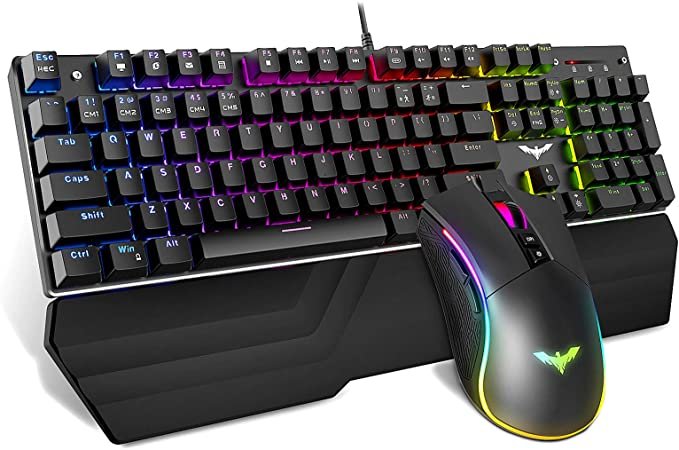
Note:The controllers used to play Jedi Fallen Order are a combination of keyboard keys, the mouse and mouse buttons.
All keys may be re-assigned employing the Controls tab found at the Options tab on the main menu of the match. From there you can change the key bindings.
Contents
hide
PC Keyboard Controls
These are the default keyboard shortcuts for the game Star Wars Jedi Fallen Order.
Every control option on the PC version of Star Wars Jedi Fallen Order:
Basic Controls
- Move – W,A,S,D
- Attack – Left mouse button
- Parry Block – Right mouse button
- Jump – Space
- Evade – Z
- Force Attack – F
- Map – M
- Interact- E
- Target – Mouse
- Droid Interact – R
- Heal – Q
- Sprint – L Shift
- Single Blade – X
- Double-Blade – C
- Slow – I
- Push – 2
- Pull – 3
Holomap Controls
- Map Zoom In – Left mouse
- Map Zoom Out – Right mouse
- Map Level Up – E
- Map Level Down – Q
Navigation Controls
- Climb – E
- Drop – Z
- Drop Swim Downwards – Left mouse button
- Swim Upwards – Right mouse button
- Swim Boost – Left shift