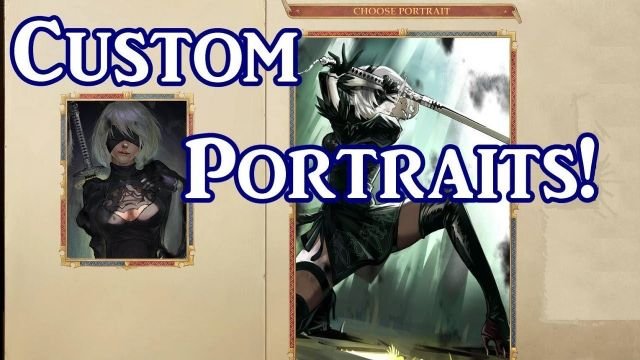
- Small – width: 185px, height: 242px;
- Medium – width: 330px, height: 432px;
- Fulllength – width: 692px, height: 1024px;
The gameflow looks like:
1. Start a New game.
2. Choose “Create a new character”.
3. Click on icon “Custom portrait”.
4. Click on button “Open portraits folder”. (It works for Windows and Mac)
5. Replace portraits in opened folder or change it in your graphic redactor.
6. Click “Refresh portraits”.
7. Enjoy your own portraits.
Also it works for custom companions.