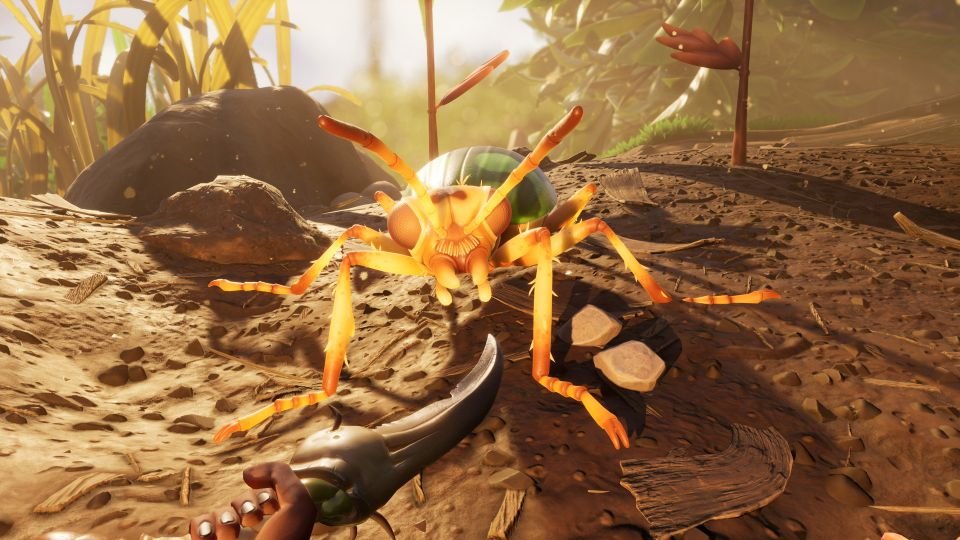
A complete list of all the Grounded controls and keybindings for easy viewing.
Contents
hide
Grounded PC Controls
Below you’ll find the full list of Grounded PC default controls.
Mouse and Keyboard controls & keybindings for the PC version of Grounded are as follows:
In-Game Controls
In-Game controls for Grounded.
- Move Forward – W
- Move Backward – S
- Strafe Left – A
- Strafe Right – D
- Swim Up – Space
- Swim down – Ctrl
- Turn Left – Arrow key left
- Turn Right – Arrow key right
- Look Up – Not assigned
- Look Down – Not assigned
- Autorun – N
- Jump – Space
- Interact (Use)
- Interact (Cancel)
- Attack – Left mouse click
- Block – Right mouse click
- Throw – R
- Sprint – Shift
- Crouch – Ctrl
- Glide – Shift
- Equip Previous – Q
- Camera Mode Toggle – U
- Push to Talk – Alt
- Toggle Trail / Backpack Markers – Y
Construction Controls
Construction controls for Grounded.
- Place Building – Left mouse click
- Rotate Building Right – Q
- Rotate Building Left – E
- Cancel – Right click
HotPouch
- HotPouch Slot 1 – 1
- HotPouch Slot 2 – 2
- HotPouch Slot 3 – 3
- HotPouch Slot 4 – 4
- HotPouch Slot 5 – 5
- HotPouch Slot 6 – 6
- HotPouch Slot 7 – 7
- HotPouch Slot 8 – 8
UI Controls
User Interface controls for Grounded.
- SCA.B Menu – Tab
- Inventory Menu – I
- Crafting Menu – C
- Map Menu – M
- Building Radial – B
- HotPouch Radial – V
- Ammo Radial – L
- Emote Radial – H
- Quickchat Radial – T
- Executables Radial – Z
- Next Page – E
- Previous Page – Q
- Next Tab – D
- Previous Tab – A
- Next Radial Page – E
- Previous Radial Page – Q
- Equip Item – F
- Drop Item – Z
- Consume Item – Space
- Inspect Item – O
- Repair Item – R
- Item Actions – W
- Assign HotPouch Slot – Enter
- Unassign HotPouch Slot – X
- Chat – Enter
- Transfer Item – R
- Take All – W
- Narrate Mode Info – Num
Note: The controls used to play Grounded are a combination of keyboard keys, the mouse and mouse buttons. All keys can be re-assigned using the Controls tab found in the Options tab on the main menu of the game. From there you can change the key bindings.