GTA Oppressor Mk2 Controls GTA Oppressor Mk2 Controls The default settings for the controls and the method to alter the rules of the vehicle in GTA 5.
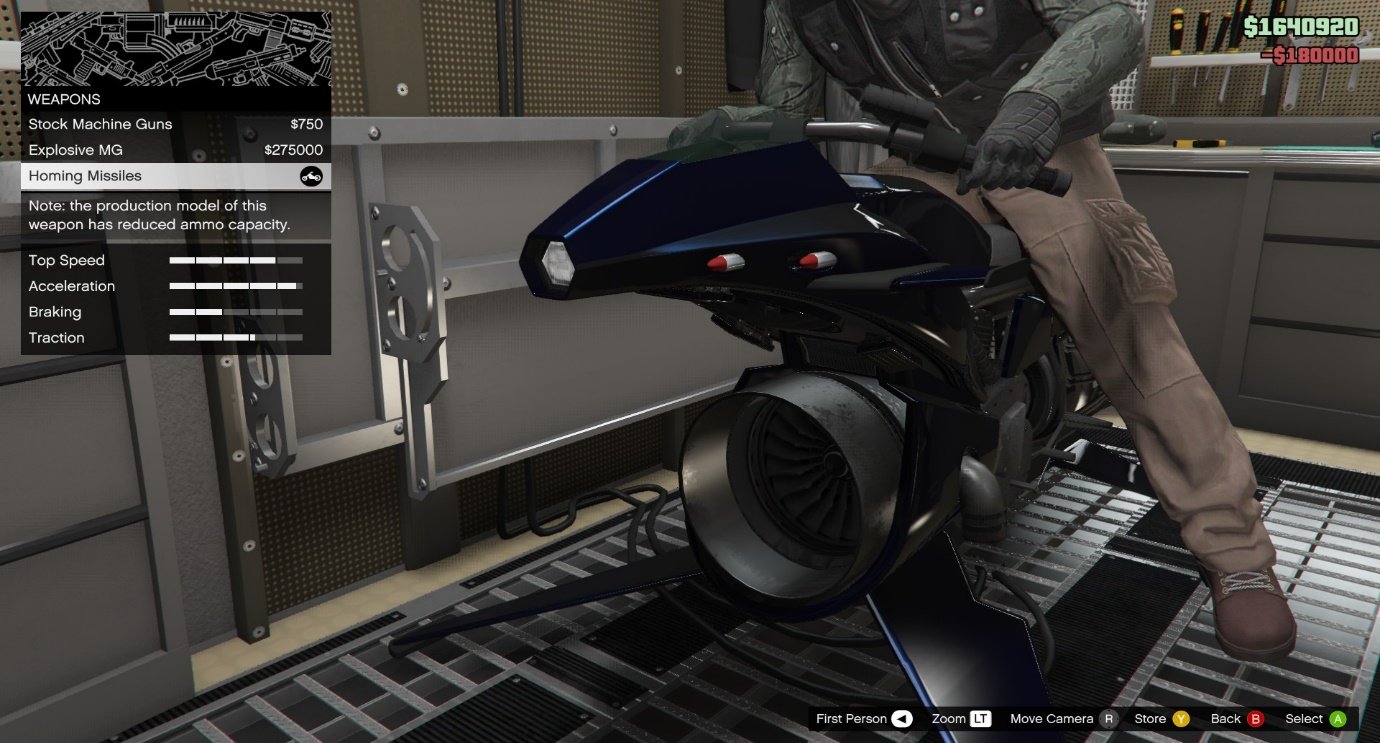
GTA Oppressor Mk2 Controls:
These are the default controls on your keyboard
- W – accelerate
- S – brake
- A – turn left
- D – turn right
- Left Shift or Numpad 8 – pitch forward
- Left Ctrl Numpad 5 – pitch backward
- X – boost
- Space bar – fold in winglets & descend vertically
- Mouse right button – Missile fire
- Hold Mouse left button – Aim
- Recommended: assign Numpad 0 to shoot (aim while driving) as secondary
How to change Oppressor Mk II Controls?
Of course, you can alter the default settings if you wish:
Settings > Keybinds > Vehicles
Additionally, you can modify the primary and secondary keys to test different settings without altering the existing ones. You can do this with both keys.
We recommend you conduct tests until you discover the keyboard configuration you love the most.
If you require assistance in switching controls, look over this video guide written by Solver from TP Solver.
Here are some suggestions to help you fly and land more efficiently and smoothly—video guide by Neon.
We hope this guide will be of use to you. We hope it will not take too long to learn the Oppressor basics, a completely OP vehicle that you’ll love and never quit playing after you have tried and mastered the game.